
Find out more about the different ways your users can search Corals.
Homepage tiles
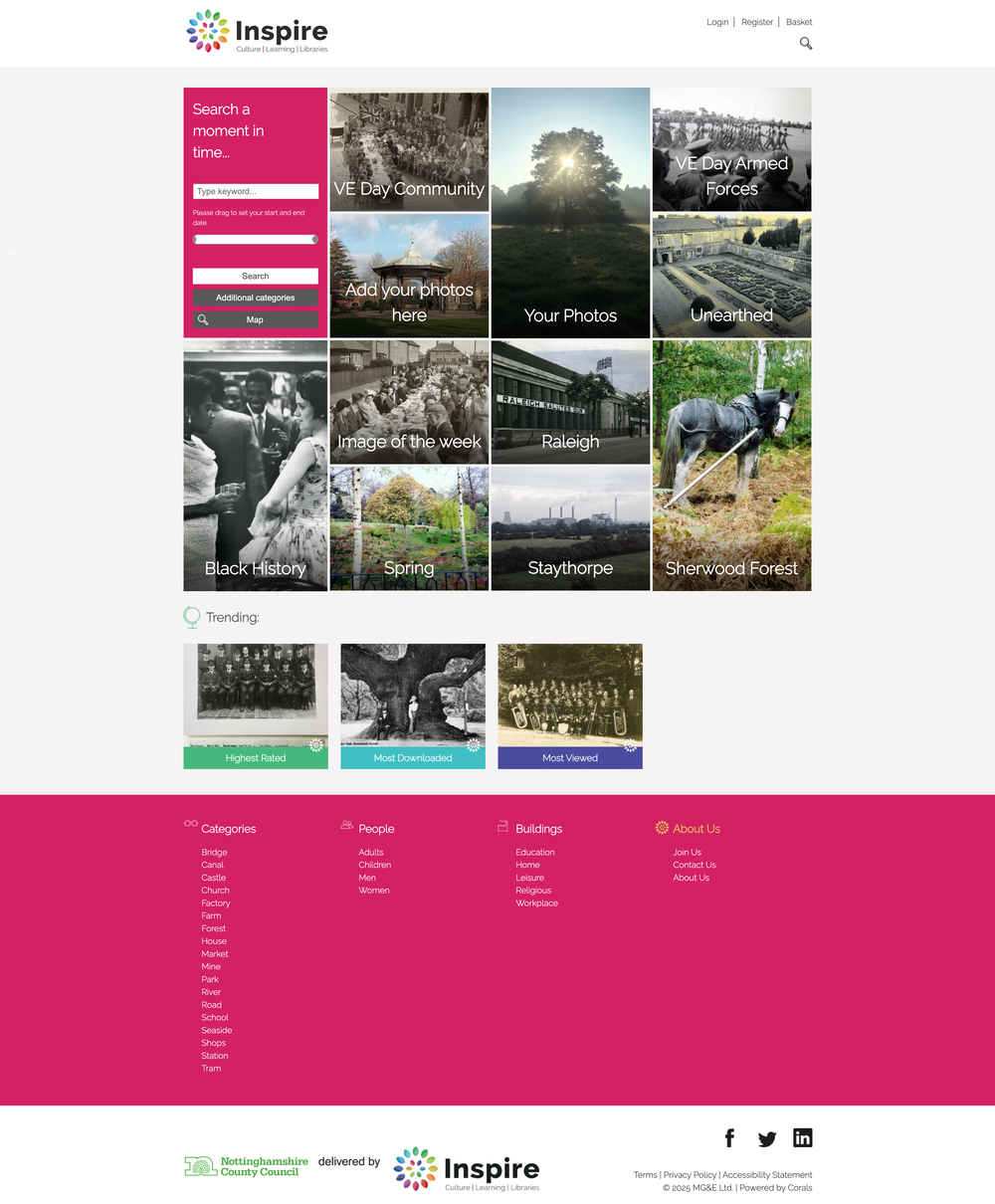
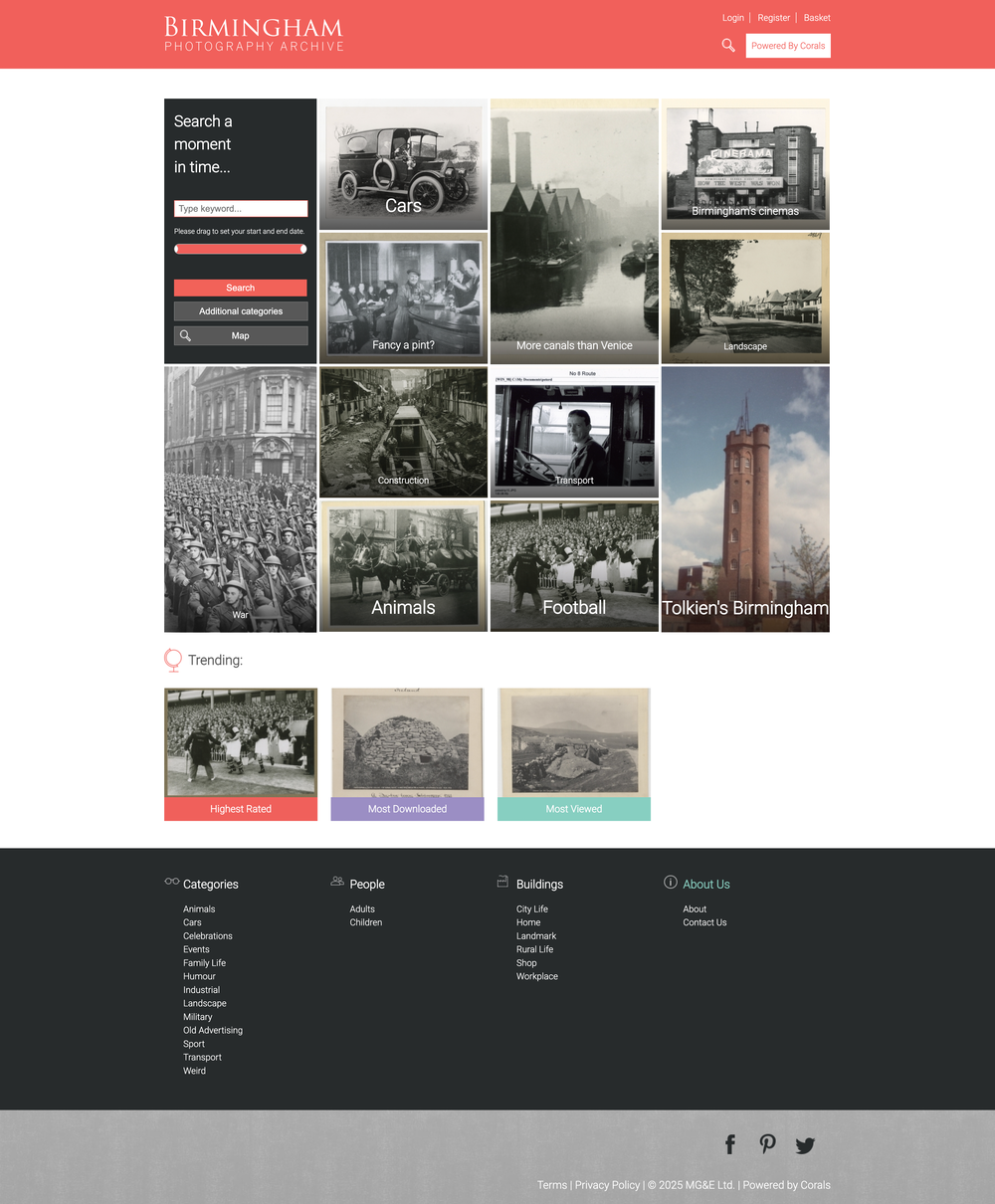
Homepage tiles are a great way for you to curate your content into interesting new topics and add them to your homepage. Using just an image and title, homepage tiles are a really visual way for users to dive in as a first starting point.
Tiles are super easy to change, meaning that you can change the theme for seasonal events, promotions, or anything else your organisation wants to share.
Keywords
Use keywords to explore collections or search for specific images.
Date slider
We’ve created a handy date slider for those users who want to search between a date range. Perfect for use on mobile devices, they simply slide the start and end points to the dates they want and off they go.
Categories
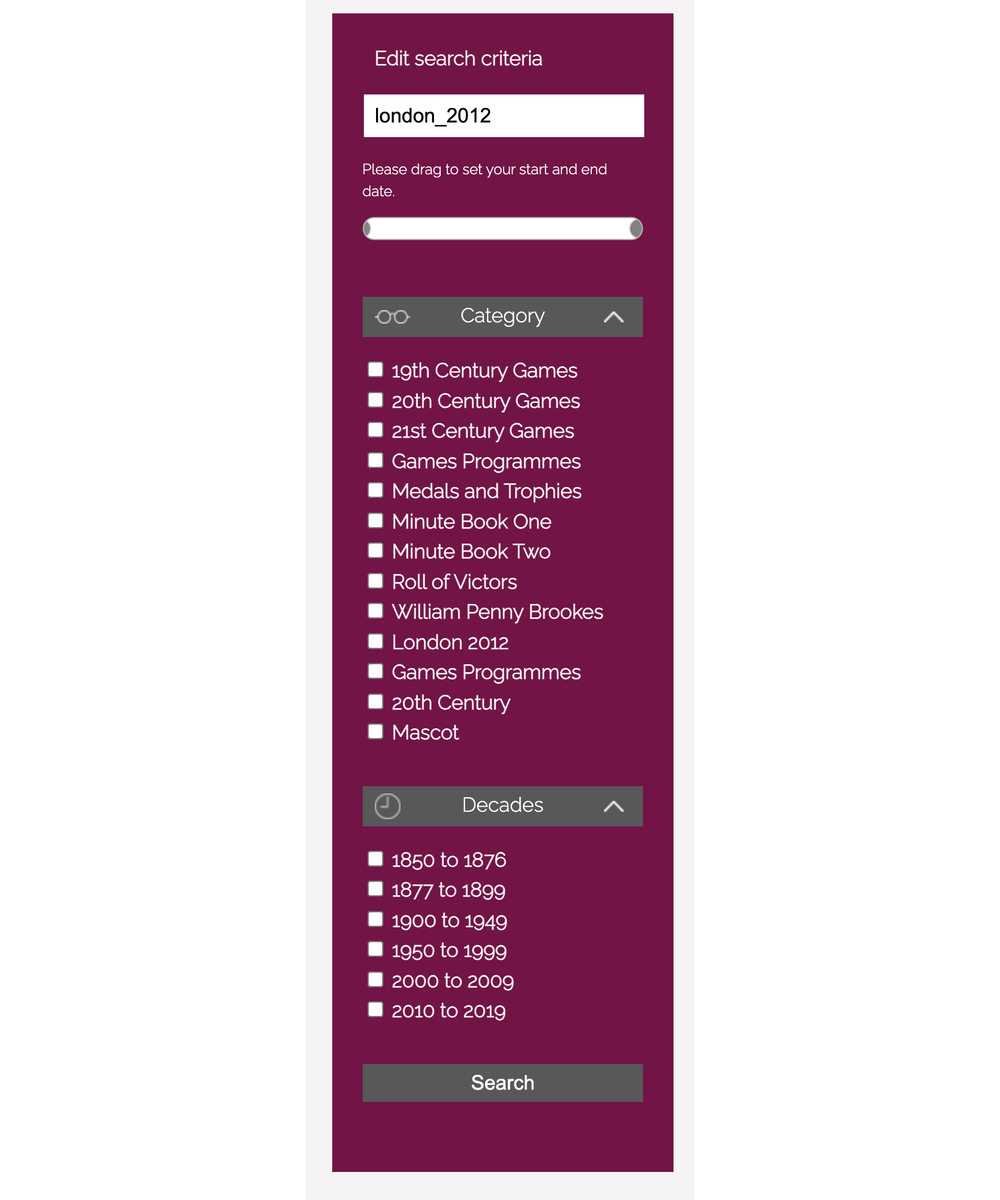
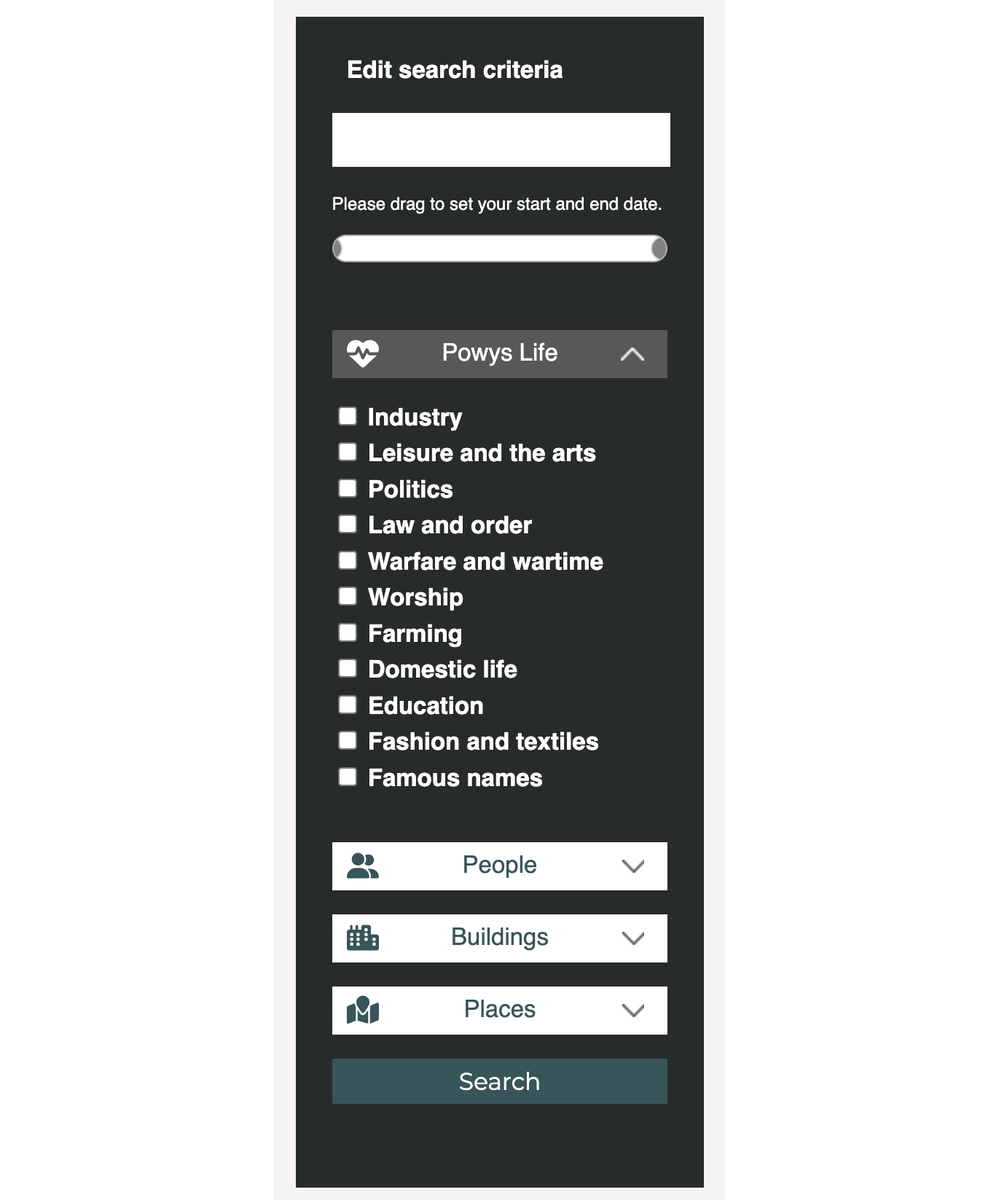
Categories are a great way to enable users to search by a specific theme. Corals provides up to four categories, and within each category you can add as many terms as you wish. Users simply tick the term they want and away they go. What’s great is that they can tick more than one term to narrow down their search even further, or use them alongside other search features.
Map view
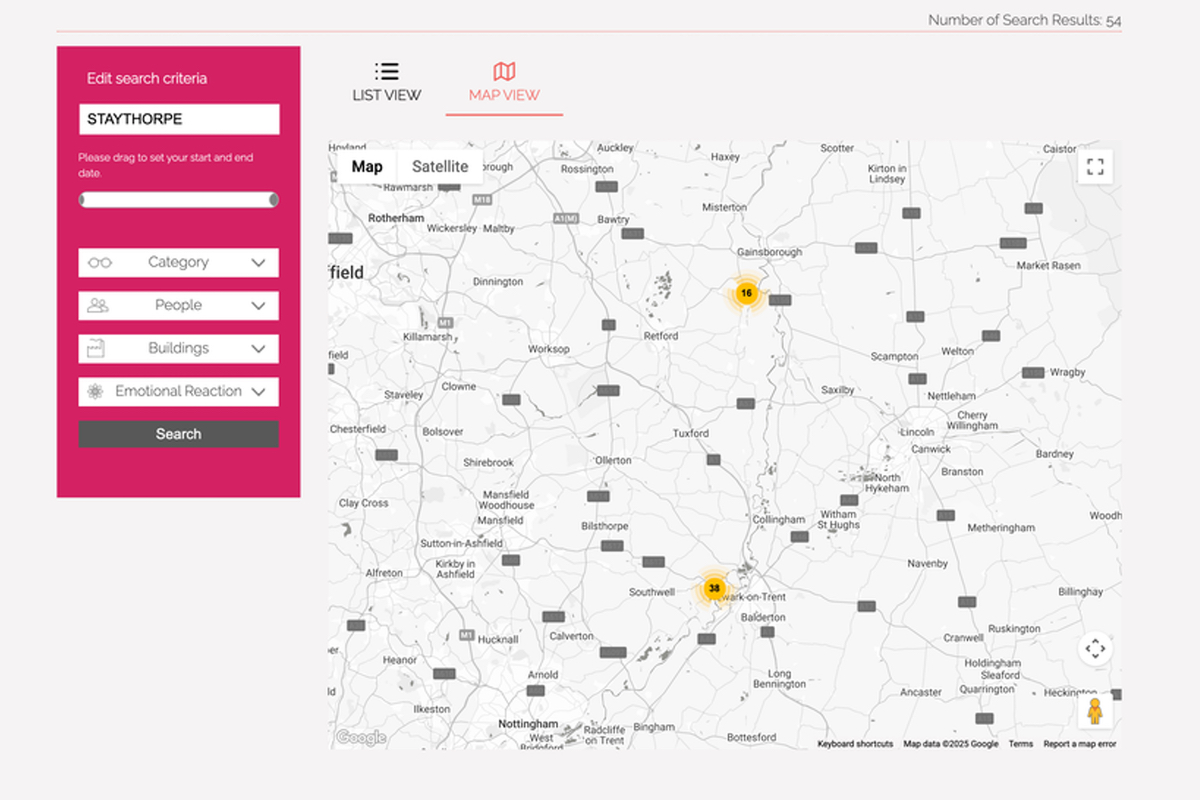
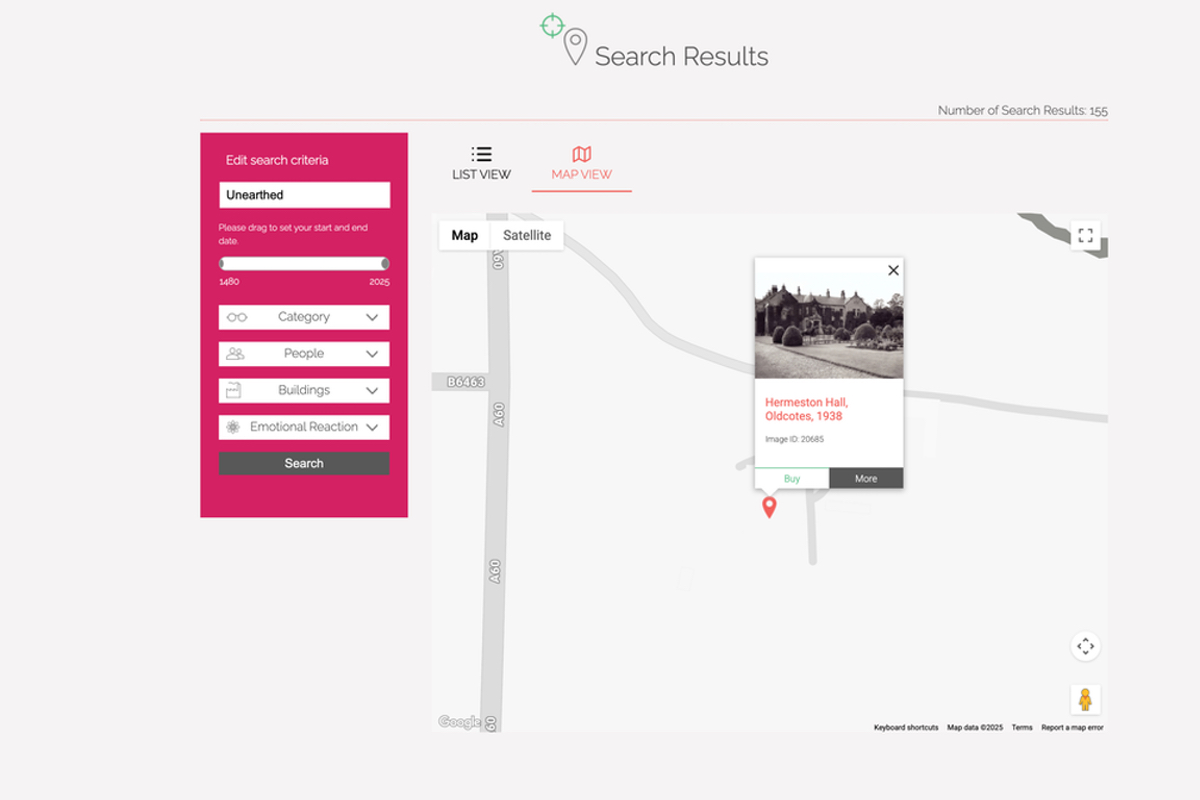
For users that like to know where your images are from, we’ve created a map view. This plots the results of their search on a map, with pins showing the location of each image in their results. They can then use the map to find other images in the area, enabling them to explore new content.
Let’s build something together
Get in touch if you would like to learn more about Corals.
 A photo discovery platform